Wedding Website FAQ for Out-of-Town Guests: What to Include and What to Leave Private
A wedding website is most useful when it answers the questions a guest asks while planning a journey. It should distinguish confirmed arrangements from suggestions and keep personal guest data private. You do not need a complicated site to provide a reliable event information hub.
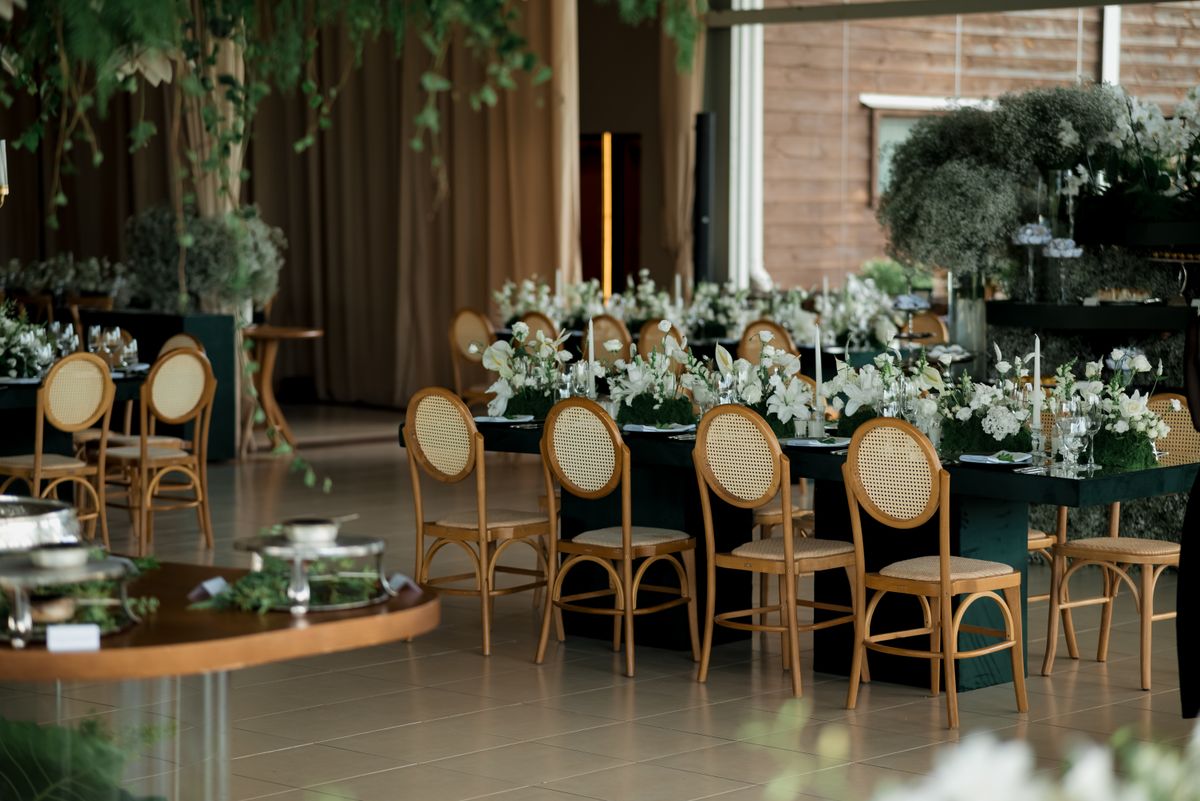
Photo: Pexels · License. Illustrative stock photography; pictured people, products and settings are not claimed to demonstrate this exact guide or endorse this publication.
Start with the actual decision
Organize the page around decisions: whether the guest can attend, where to stay, how to reach the event and what to expect on arrival. Put the confirmed date, venue and local time near the top. Label any separate events by the people invited rather than publishing a confusing universal schedule. Keep a visible update date for practical information, especially if transport or room arrangements are still being finalized.
Prepare the working information
Collect the venue's correct guest entrance, map link, transport contact, parking instructions and any accommodation information you are actually authorized to share. Ask the venue about relevant access routes and invite guests to contact you privately about specific needs. A suggested hotel is different from a reserved block; state which it is. Avoid claiming availability, a fixed rate or a journey duration that you have not confirmed for the relevant date and arrangement.
A worked example you can adapt
An effective outline is: event basics; travel and arrival; accommodation options; what the venue is like; response questions; and a private contact route. Under travel, say whether a shuttle is confirmed, where it collects passengers and whether seats require a response. Under accommodation, distinguish an optional suggestion from a provider-confirmed booking process. This structure is an editorial example. The factual content must come from your actual bookings and direct checks.
Follow the sequence in order
Build the basics first and verify them against the invitation. Add travel details only when they are useful and current. Test the page on a phone and ask an unfamiliar reader to find the arrival time and response button. Check map destinations rather than assuming the first search result uses the right entrance. Review the page after a significant booking change and before sending a reminder. Contact guests directly when a change would affect a journey already planned.
Choose between the realistic options
A compact public information page can work, but restrict guest lists, personal contact data and detailed private events appropriately. Do not publish room numbers, individual travel plans or sensitive access requests. If the response tool requires names, explain how to use it without making a full attendance list visible. Keep optional sightseeing ideas separate from the required event information so guests do not mistake a suggestion for an organized activity they are expected to attend.
A ready-to-adapt message
A useful FAQ answer is: 'The ceremony begins at 4 p.m. local time at River House. Please use the Garden Lane entrance. Arrival is welcome from 3:30 p.m. Our confirmed shuttle leaves the named hotel at the time shown in your transport confirmation; please request a seat through the response form.' Replace these invented details. If the shuttle is not confirmed, say it is being explored and give guests a date for the next update.
Catch the common failure points
Avoid a travel page full of generic attraction descriptions while the parking or return journey remains unanswered. Do not translate the event time manually for each guest and then forget about daylight-saving differences. Google Calendar supports event-specific time zones; use the actual event zone when creating a calendar invitation. A calendar entry complements clear local-time text. Check external links periodically because a hotel or transport provider can change its booking page.
Build a fallback and finish the handoff
Prepare a short version of the essential facts that can be emailed or printed for guests who prefer it. Assign one contact for travel questions and one owner for website updates. Archive or restrict the page after it is no longer useful, especially if it contains personal details. A good final check is to imagine arriving in an unfamiliar town with only a phone: the page should explain where to go, when to be there and whom to contact.
Write answers to actual guest questions
Use the first few inquiries as a usability test. If several guests ask whether a taxi is needed, the travel section needs a clearer answer rather than another decorative paragraph. Add the practical answer once and send the link, while keeping individual circumstances private. Questions about access, meals or late arrival may still require a personal response; a public FAQ should not force guests to disclose private information to everyone else.
Your working checklist
Checkmarks stay in this browser when storage is available. They do not submit information or complete a purchase.
Put it into practice
- Publish the essential event facts in clear local time.
- Separate confirmed travel arrangements from optional suggestions.
- Check maps, booking links and response questions.
- Test whether an unfamiliar reader can find the next action.
- Contact guests directly about changes affecting their journey.
- Remove or restrict unnecessary personal information after the event.
Before you finish
- The website and invitation show identical core facts.
- Hotel and shuttle claims are supported by current arrangements.
- No guest's private travel or access information is public.
- A guest can obtain essential details without relying on a QR code.
Common questions
Should we list several hotels?
You can list a small number of options if it helps guests compare location and budget, but label them as suggestions unless a specific arrangement exists. Guests should verify availability and terms themselves. Avoid presenting an old rate as a guaranteed event offer.
Can we include sightseeing recommendations?
Yes, as optional ideas separated from required attendance details. Do not let them obscure transport, arrival and response instructions. If you have not arranged an activity, make clear that guests would plan and book it independently.
Do we need translated versions?
Consider who is attending and what information they need to understand comfortably. A concise version in a useful language can be more effective than translating every decorative page. Have a fluent reader verify practical facts and names rather than relying on an unchecked automatic translation.
What if someone cannot use the website?
Provide the essential details by another convenient method and record their response in the same master tracker. The tool should serve the guests. A phone call, email or printed summary can coexist with the website without creating a separate attendance database.