How to Make a Small Wedding Reception Seating Chart for 40 to 70 Guests
A seating chart is a working arrangement for a particular room and group of people. It should make arrival easier and support a comfortable meal. There is no universal rule requiring identical table sizes, a particular family hierarchy or a separate children's table.
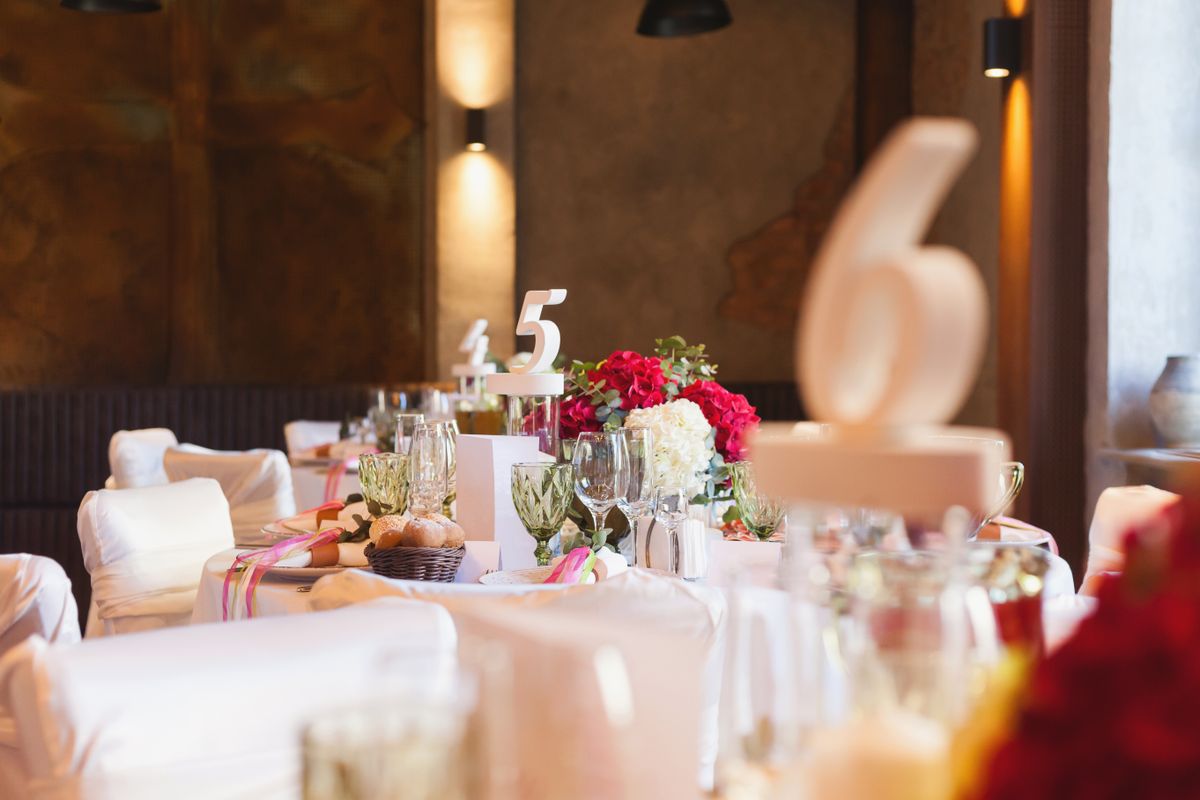
Photo: Pexels · License. Illustrative stock photography; pictured people, products and settings are not claimed to demonstrate this exact guide or endorse this publication.
Start with the actual decision
Begin with confirmed attendance and the venue's usable layout. Decide whether guests need assigned tables or assigned individual seats. Assigned seats can help coordinate selected meals, while table assignments leave some flexibility. Ask the caterer what information their service method requires. Keep the room's entrances, service paths and access needs visible while placing people; a socially pleasing arrangement that blocks movement is not a finished plan.
Prepare the working information
Use individual guest names linked to response and meal records. Add relevant requests discreetly, such as a place with easier access or a wish to sit beside a support person. Ask the person concerned rather than assuming their needs from age or appearance. Create movable name cards or a simple digital table grid. Track table number, seat if used and meal identifier in the same master list. Avoid keeping sensitive relationship notes on the public chart.
A worked example you can adapt
For 54 confirmed guests, six tables of nine is one arithmetic possibility, but it is not automatically the venue's recommended arrangement. Five tables of ten plus one table of four may create a different room balance and social experience. Ask which table sizes and counts the room actually supports. Place the fixed practical needs first, then build groups around them. Do not solve a difficult social combination by exceeding a table's confirmed usable seating.
Follow the sequence in order
Mark fixed room features and practical seating needs first. Place the couple and any people whose location affects the event flow. Build small social clusters rather than sorting everyone into broad labels like 'work' or 'family.' Join clusters using a genuine shared connection, then test whether anyone is isolated. Review the draft with someone who knows the guests well. Finally, reconcile every name against the confirmed list and check the meal totals before producing public signs.
Choose between the realistic options
Keep households or requested support pairs together unless they ask otherwise. For a mixed group, one familiar person can make a table more comfortable, but do not force guests into a matchmaking exercise. If two people should not sit together, use a discreet placement solution instead of exposing the reason on a helper's sheet. A separate children's table needs an actual supervision arrangement and suitable ages; it should not appear simply because it makes the adult table counts tidy.
A ready-to-adapt message
Ask privately: 'We are putting together the reception seating. Is there anything practical that would make your seat more comfortable, or anyone you need to be seated beside? We will use the information only for the relevant arrangements.' A public sign can simply say 'Find your name, then your table number.' Do not print medical details, dietary explanations or internal comments alongside names. Service staff can receive a separate need-to-know document.
Catch the common failure points
Common errors include seating an unconfirmed guest, forgetting the couple in the total and printing a chart before a late meal change is recorded. Check duplicate names and spelling carefully. If two guests share a name, add a clear agreed distinction without publishing unnecessary personal information. Avoid relying only on color to communicate meal choices; use readable labels or the caterer's preferred system. Do not add a last-minute chair where it interferes with service or access.
Build a fallback and finish the handoff
Freeze a production version with a date and retain a small change log. Give the venue and caterer the version they approved, then print a spare alphabetical list for the entrance helper. Keep a method for handling late changes, such as a discreet updated place card and a revised staff sheet. After printing, check the names against the source one more time. A beautiful sign is secondary to a correct, usable list that gets each guest to an appropriate seat.
Run an alphabetical reconciliation
Sort the confirmed guest list alphabetically and compare it line by line with the seating output. Mark each person once. Then add the table totals and compare that sum with the event's confirmed attendance, keeping supplier meals in the category requested by the caterer. This catches the guest who appears twice under a nickname and the person who was removed from one table but never added to another. It is more reliable than visually scanning a decorative seating graphic.
Your working checklist
Checkmarks stay in this browser when storage is available. They do not submit information or complete a purchase.
Put it into practice
- Choose table assignments or individual seats based on service needs.
- Place practical access requirements and support pairs first.
- Build social groups with at least one familiar connection where possible.
- Review difficult combinations privately.
- Reconcile every confirmed name and meal against the table totals.
- Issue one dated production version and record later changes.
Before you finish
- Every confirmed guest appears once and only once.
- Table totals match the venue-approved layout.
- Private notes are absent from public signage.
- The caterer and entrance helper use the same current version.
Common questions
Should partners always sit next to each other?
Keeping them together is a useful starting point, especially when one person knows few other guests. Ask about preferences where it matters. There is no need to separate households solely to create conversation if doing so makes the arrangement less comfortable.
Are assigned seats necessary for a buffet?
Not always. Assigned tables may be enough, but ask how the venue releases tables and manages any specially arranged meals. The service method, guest needs and room layout should determine the level of detail rather than a generic seating convention.
What if one table has fewer people?
A slightly uneven count can be perfectly workable if the room and furniture support it. Do not add an awkward social combination only to make every number identical. Confirm the layout with the venue and consider how the table will look with the chosen centerpiece.
When should we print the chart?
Work backward from the printer's actual turnaround and the supplier count deadline. Keep an editable master until then and agree how late changes will be handled. Printing early is only helpful if you can manage revisions without leaving old information in circulation.