How to Build a Wedding Guest List and RSVP Tracker That Avoids Duplicate Counts
A guest list contains several different counts: households receiving invitations, individuals invited and people confirmed for each event. Keeping those counts separate prevents mistakes in catering, stationery and seating. This guide uses an ordinary spreadsheet, with Zola's official tool documentation as an optional workflow reference.
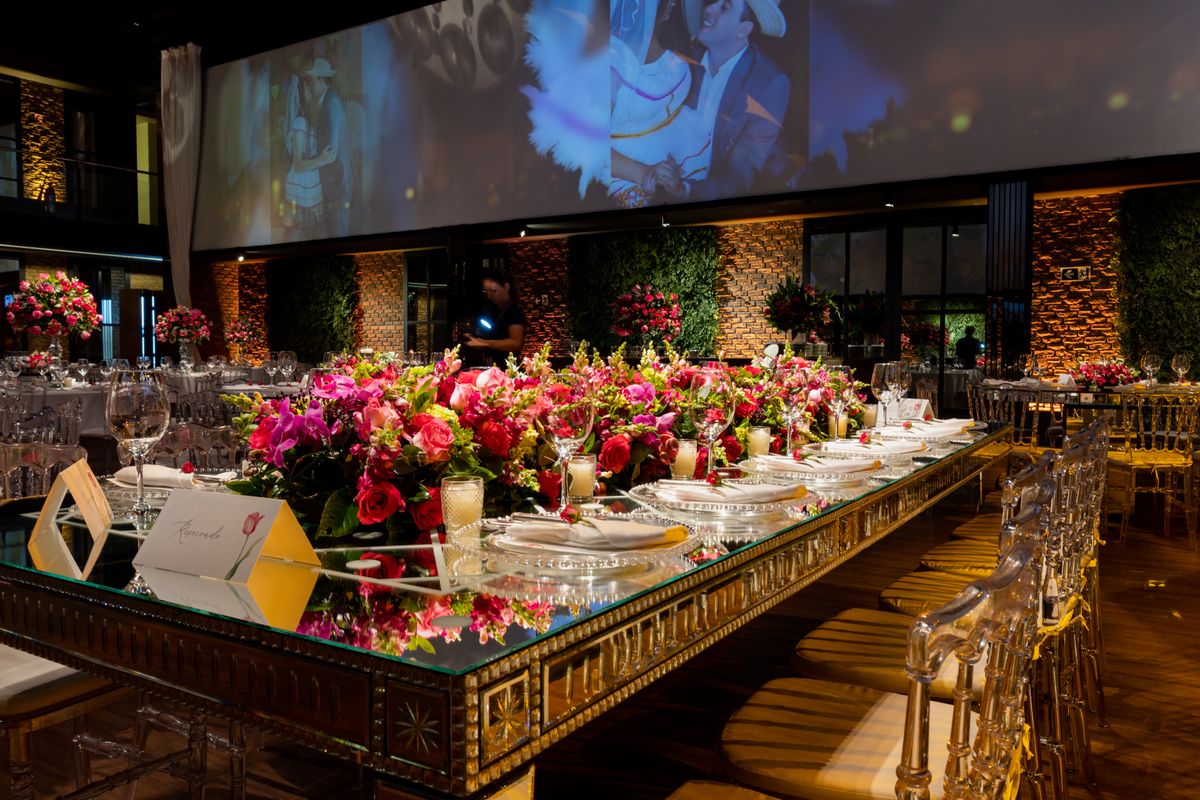
Photo: Pexels · License. Illustrative stock photography; pictured people, products and settings are not claimed to demonstrate this exact guide or endorse this publication.
Start with the actual decision
Decide the invitation boundaries together before entering names. Clarify whether the celebration includes children, named partners or open plus-ones, and how you will handle those decisions consistently. This is a hosting choice, not a universal etiquette formula. Keep an internal provisional list separate from the approved invitation list. Do not use a guessed attendance percentage as permission to invite more people than the confirmed venue arrangement can accommodate.
Prepare the working information
Give each person an individual row and a stable guest ID, then link members of one household with a household ID. Useful fields include display name, contact person, invitation status, invited events, response, meal selection, access request, table and notes. Keep sensitive information minimal and restrict access. A couple sharing one envelope still occupies two seats when both attend. A child requiring a chair must not disappear merely because a supplier uses a different meal category.
A worked example you can adapt
Suppose 30 households contain 52 invited individuals. Five individuals decline and three have not replied: the confirmed attendance is 44, not 47 and not 30. If only 20 of those people are invited to a separate welcome meal, that event needs its own invited and confirmed counts. The example illustrates record design. Count the couple and any supplier meals separately according to the provider's actual requirements rather than silently mixing them into the guest total.
Follow the sequence in order
Build the approved list, verify spelling and collect missing contacts. Assign invitations to the appropriate events before enabling online responses. Test the form using a sample household: can someone accidentally add an uninvited person, miss a meal field or respond for the wrong event? Record paper and telephone replies in the same master. After the deadline, contact unresolved households once with a clear response request. Generate seating and meal summaries from the final list instead of maintaining independent totals.
Choose between the realistic options
Choose digital responses, paper responses or a combination according to your guests' needs. Digital collection can reduce manual entry, while paper or telephone options may be more comfortable for some households. The important choice is where the definitive answer lives. If you use Zola, its official help describes event-specific invitations and response tracking. If you use a spreadsheet, reproduce the underlying separation of people, households and events without pretending the sheet automatically sends or receives replies.
A ready-to-adapt message
A practical follow-up reads: 'We are confirming numbers for the reception on June 12. Could you let us know by Thursday whether Alex and Morgan will attend, and confirm the meal choice for each person? If replying online is inconvenient, a message here is fine and I will update the list.' Replace the example date and names. Use the guest's preferred private contact route; do not put everyone's response status into a public group chat.
Catch the common failure points
Watch for duplicated guests after importing a partner's list, a family list and contact collection results. Compare names with household details before merging, because similar names may belong to different people. Do not overwrite a confirmed meal selection with an older response. Record when a change was received and who updated it. If a guest reports an access or dietary need, confirm what information the relevant provider requires rather than making promises the event cannot yet support.
Build a fallback and finish the handoff
Before handing over counts, filter by the actual event and confirmed response, then reconcile the total with the seating plan. Check adults, children and provider meals according to the caterer's requested categories. Export only the information each supplier needs. After the event, retain a useful thank-you record but remove unnecessary private notes from shared copies. A clean archive contains names and genuine follow-up tasks, not an indefinitely public database of personal requests.
Build a count reconciliation box
Place a small summary above the list: invited individuals, confirmed yes, confirmed no and unresolved. The last three should add up to the invited total for that event. Separately show invitation households and meal categories. If the numbers do not reconcile, inspect blank responses, duplicate IDs and guests invited to another event. This simple check catches more mistakes than manually counting colored cells or relying on a rough total remembered from a conversation.
Your working checklist
Checkmarks stay in this browser when storage is available. They do not submit information or complete a purchase.
Put it into practice
- Create one row per individual and link households with an ID.
- Assign exactly which events each person is invited to attend.
- Test response collection before sharing it widely.
- Enter all paper, phone and digital replies in one master.
- Follow up privately on unresolved responses by the real deadline.
- Reconcile confirmed counts against meals and seats before export.
Before you finish
- Individual and household totals are clearly labeled.
- Every confirmed attendee has an event and a seat where needed.
- Meal summaries use the latest recorded response.
- Supplier exports contain only information relevant to their work.
Common questions
Should a plus-one have a separate row?
Yes, once that seat is part of the invitation plan. A separate record makes attendance and meal tracking clearer. If the name is not known yet, use an internal placeholder tied to the invited guest and replace it when the person confirms.
Can one household reply for everyone?
That can be convenient, but the response should still resolve each individual. One person may attend while another declines or selects a different meal. Test the form to ensure a household-level answer does not conceal missing personal details.
What should we do with a late change?
Record the new information and contact the supplier affected. Ask what can still be accommodated rather than assuming the seating or meal can change automatically. Update the master and the distributed version so helpers do not act on different counts.
Is a wedding website essential?
No. Clear invitations, a private response channel and a reliable master list can work without one. A website is useful when it centralizes travel and event information, but it should reduce confusion rather than create another place where outdated details remain visible.